Horizontal/Vertical Split Screen
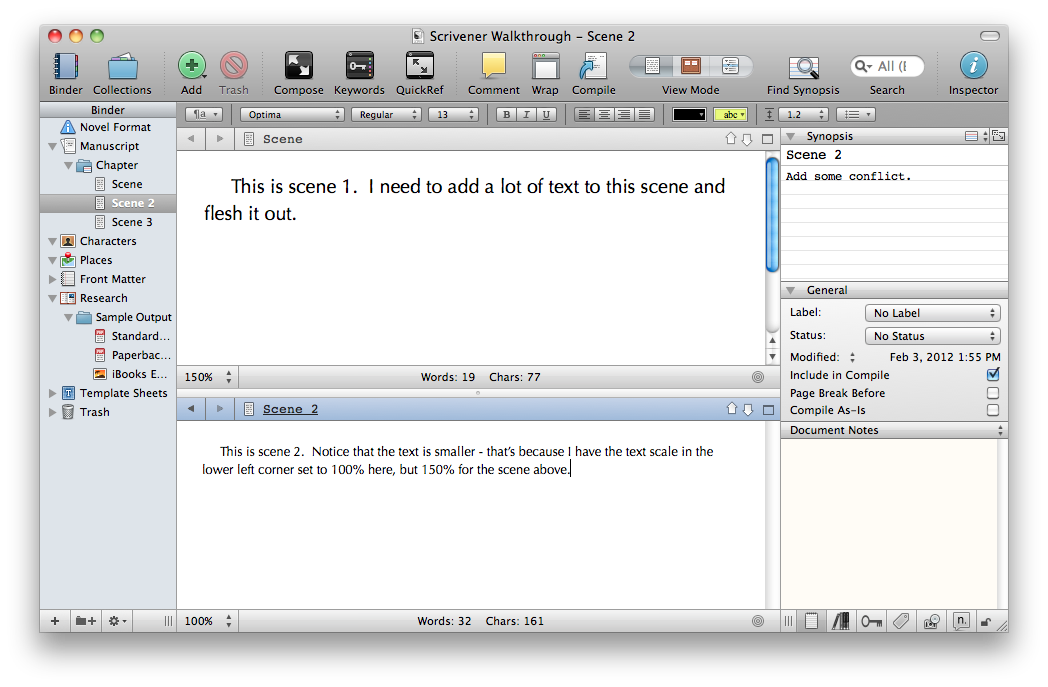
Hi Jacob,I'd find it really useful to have a horizontal/vertical split screen view available on Dabble -- I know we have chapter merge/splits on the roadmap, but in the meantime being able to view separate parts side-by-side will make merging or splitting them much easier. I use this feature in Scrivener a ton when revising manuscripts and trying to get scenes to fit together.Thanks for your consideration!
Comments: 8
Oldest
•
Newest
•
Most likes
•
Fewest likes
-
21 Jan, '25
erika triggs MergedHighlighted comment
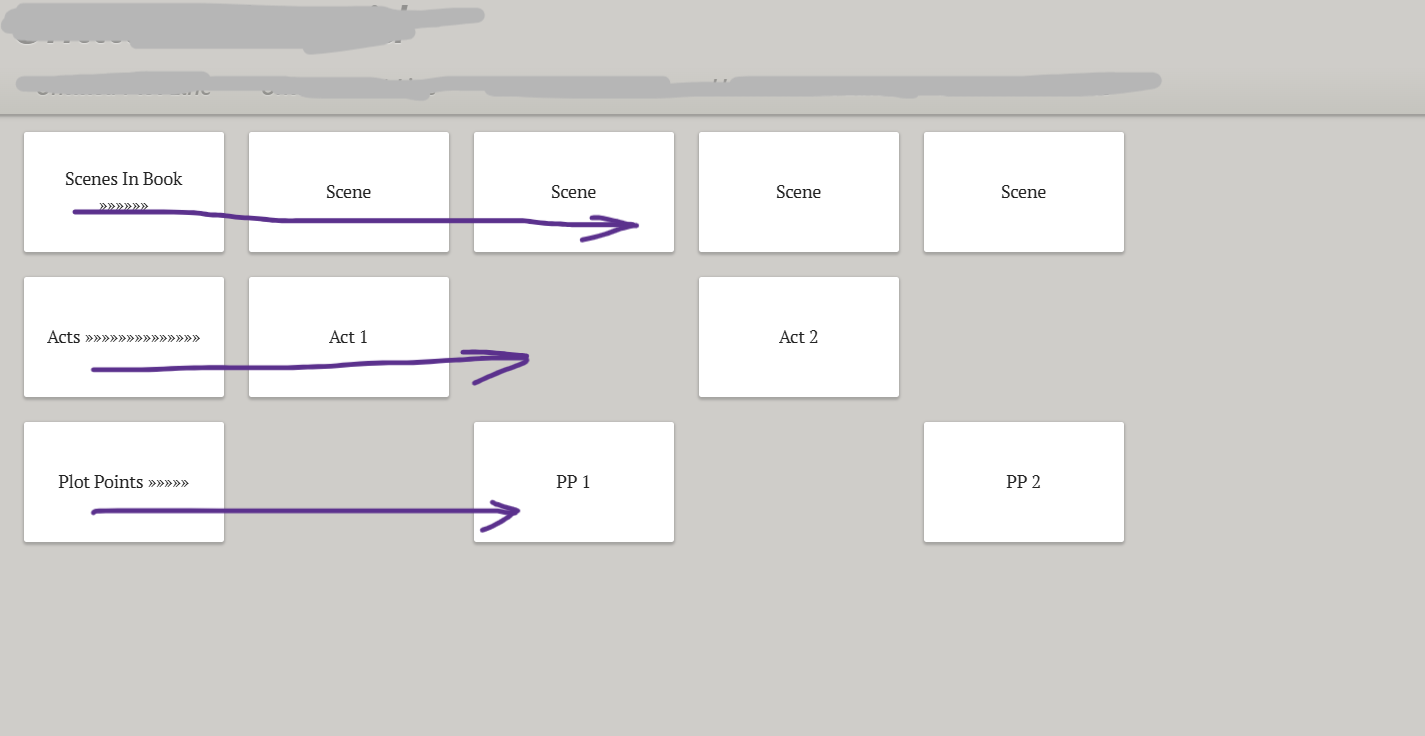
I'd love to be able to change the orientation of the grid(s) - no matter what kind you're making. Even if it's the plot grid attached to the scenes, I often wish I could see it all horizontally rather than vertically (i.e. scenes or any other points on a non-book plot grid across the top with the plot points down the side). I don't love having to scroll far down the plot grid to see how something happening further into the story is laid out, and I find the vertical to not always align properly.
Stacking cards/notes would also be great. Having them expand is cool but I often want separate cards attached to s single plot point without having to go back to the grid to access it.
Template option? plot for W, plot for dramatica, plot for 3 acts, etc.
-
09 Jul, '19
CateI use this all the time in Scrivener! I use a vertical split, though. The left side will be the scene I'm working on and the right side will be my notes for that scene (or my synopsis, or a research page, etc.)
-
24 Jan, '22
Kelsey HuntThis would be so handy! I have found myself needing a split screen more often. I have a journalism background, and I'm used to the split screen features of iNews and ENPS. Nobody ever hates split screens ;)
-
02 Oct, '22
DayI'd like to access my notes without leaving the scene. I know I have my notes, but it's a hassle going to them, and then I don't even know where to get back, if I'm editing in the middle of the ms.
-
23 Jan, '25
Jacob from Dabble System"Plot Grid Orientation, stacking, & 'Templates'" (suggested by <Hidden> on 2025-01-21), including upvotes (1) and comments (0), was merged into this suggestion.
-
05 Feb, '25
EmThat would be amazing. I wanted to check some scene notes while writing the scenes, but couldn’t without the split screen. Really excited for this one to be a possibility
-
07 Aug, '25
AntjeI would also very much appreciate being able to use this feature. It is possible to do it via workarounds, but they remain just that... workarounds. When I'm in the process of developing a story, I rewrite it until I reach the point where I can divide it into scenes. This may seem cumbersome, but it's just how I do it. And if I could then have the original scene on the left and write what I want to change on the right, it would be very helpful. Currently, the synchronization is too fast for it to be useful to open the program twice. I do it anyway and save version 1 as a note for the time being. This is very inconvenient. Perhaps this would be a good idea.